
01 · Connect
Open the app and identify the supported venue jukebox.
HOW IT WORKS
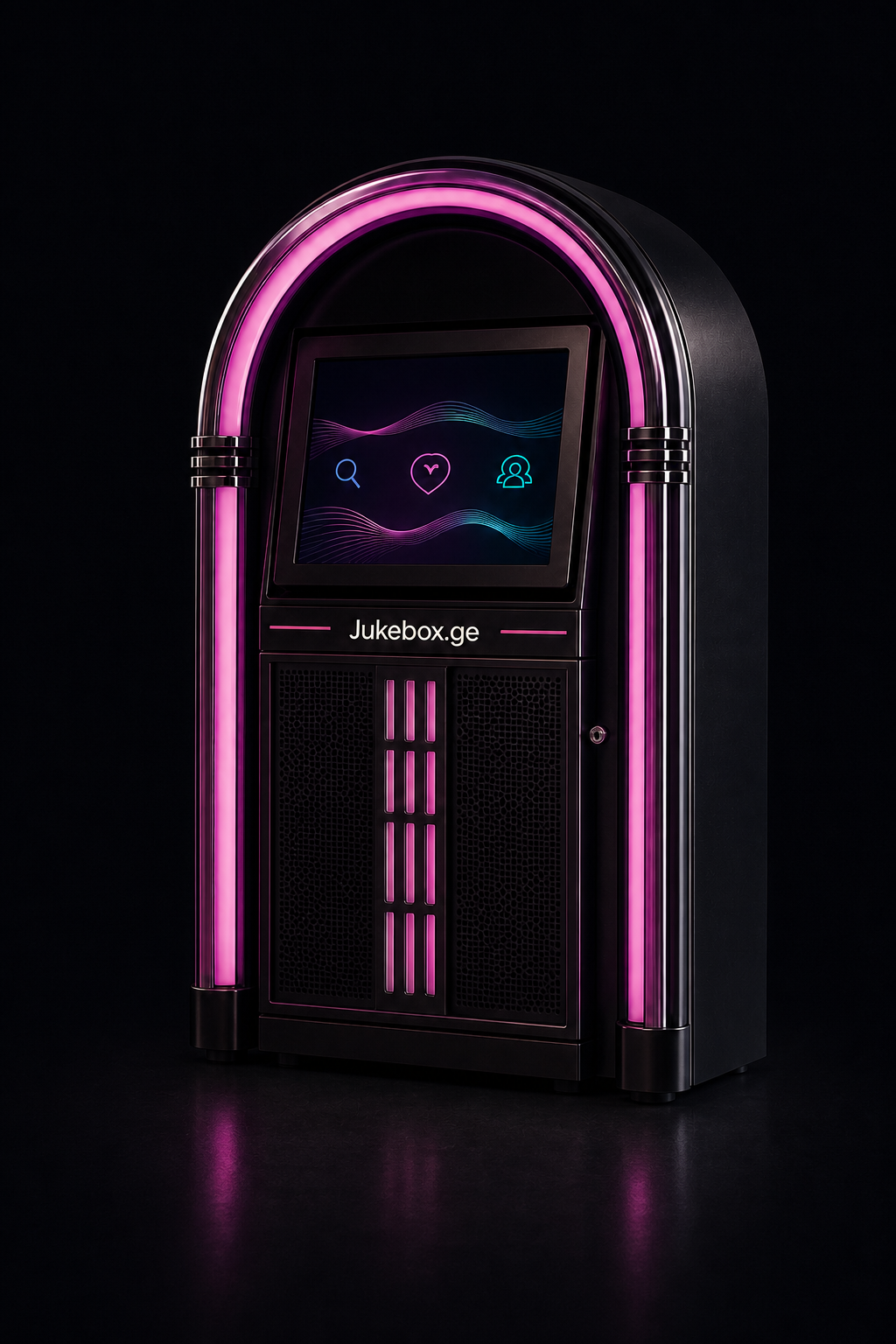
Coin, payment-terminal, and mobile-app requests on iOS or Android join one venue queue. The venue controls the music that is available.
Explore the app
FOR GUESTS
Music plays through the venue jukebox and sound system. Your phone is the controller, not a personal streaming player.
Open the app and identify the supported venue jukebox.
Find a song in the large music database.
Submit the request and follow its visible status.
FOR VENUES
The process covers venue suitability, audio integration, connectivity, the commercial agreement, and service.
Distinctive equipment connected to the venue sound system.
Supported request channels feed one venue playback queue.
The venue controls playlists and requestable music.
QUEUE RULES
Queue position and availability can depend on venue settings, current demand, equipment, and network conditions.
When you are ready
Tell us about your venue and learn what the next step could look like.
Request a consultation