
1 · Confirm the venue
Follow the on-site connection guidance and check that the app is linked to the correct Jukebox.ge system.
GUEST GUIDE · JULY 24, 2026
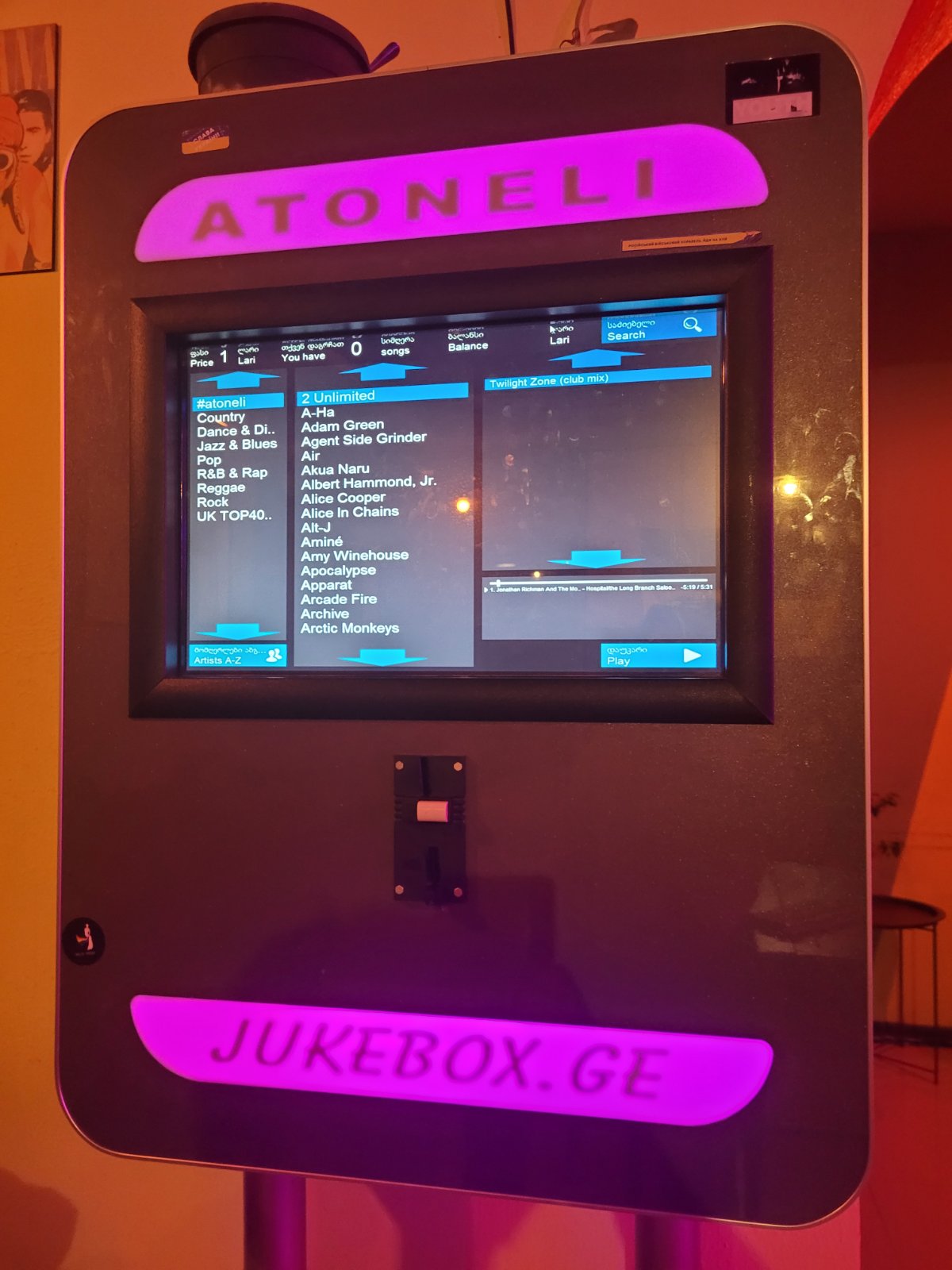
Confirm that you are at a supported venue, connect to its Jukebox.ge system, search the large music database, and submit an available song request.
Explore the mobile app
STEPS
The app controls and sends requests to the venue jukebox. Music does not play through the phone.
Follow the on-site connection guidance and check that the app is linked to the correct Jukebox.ge system.
Use the artist or title and select music the venue has made available for requests.
Confirm the request and check its visible status or position in the venue queue.
THE QUEUE
The current song, existing queue, venue settings, and music availability affect timing. A specific queue position is not guaranteed.
IF YOU NEED HELP
Include the venue, device type, app version, and time of the issue. Never send a password or payment-card details.
When you are ready
Tell us about your venue and learn what the next step could look like.
Request a consultation