
Confirm the location
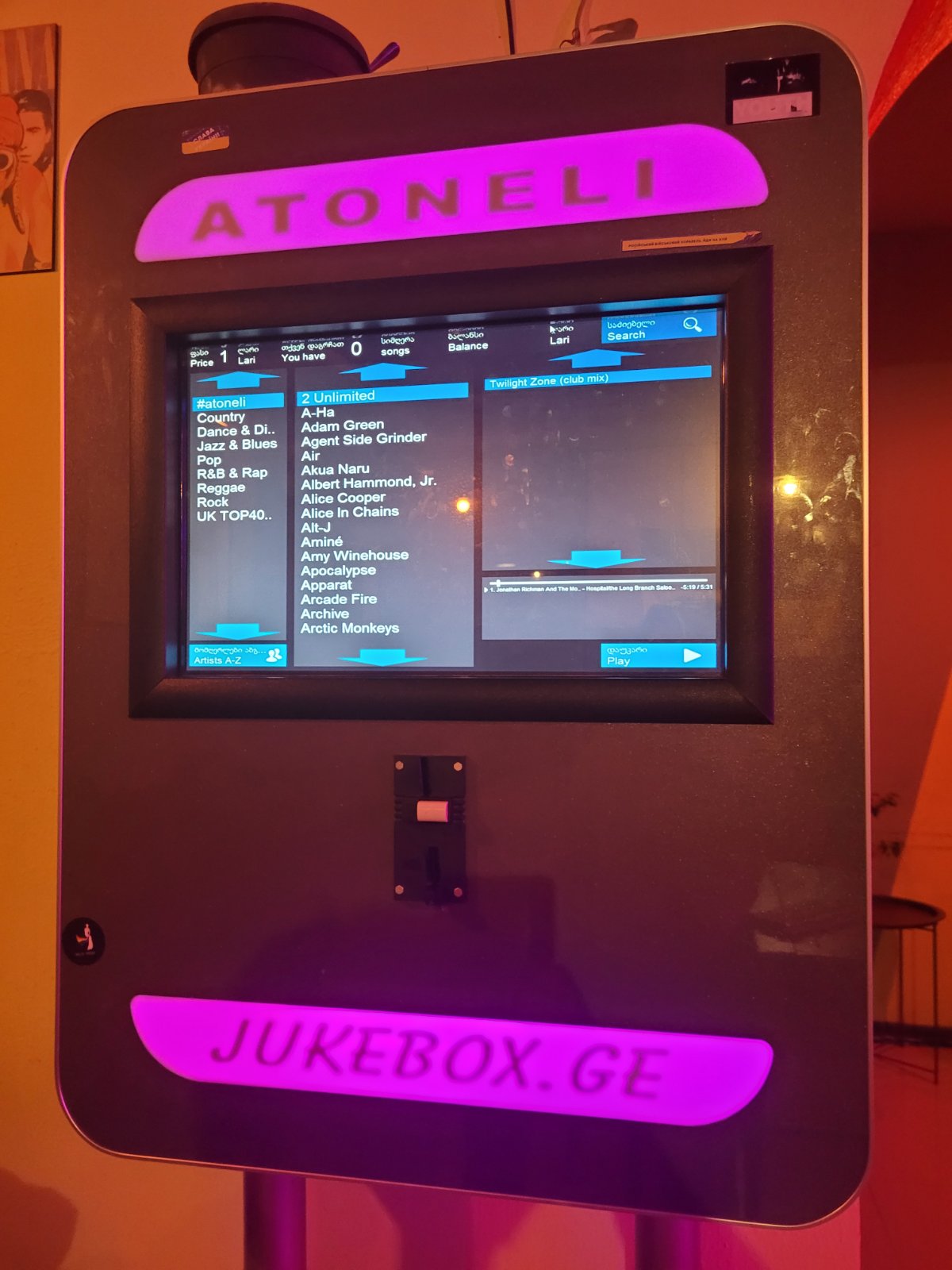
Check that the venue uses Jukebox.ge and follow the connection instructions shown on site.
SUPPORT GUIDE · JULY 24, 2026
The Jukebox.ge app works at supported venues. Start with the on-site connection guidance, then check the phone connection and app version.
Open app support
FIRST CHECKS
Do not change venue network or equipment settings without staff approval.
Check that the venue uses Jukebox.ge and follow the connection instructions shown on site.
Update the app, confirm the phone connection, and reopen the app if needed.
Return to the connection screen and make sure you select the correct supported venue.
SUPPORT
Share the venue name, city, device type, operating system, app version, time of the issue, and a safe screenshot if useful. Never send a password or full payment details.
When you are ready
Tell us about your venue and learn what the next step could look like.
Request a consultation